Deprecated: optional(): Implicitly marking parameter $callback as nullable is deprecated, the explicit nullable type must be used instead in /www/wwwroot/desney.billts.it.com/vendor/illuminate/support/helpers.php on line 190

Deprecated: with(): Implicitly marking parameter $callback as nullable is deprecated, the explicit nullable type must be used instead in /www/wwwroot/desney.billts.it.com/vendor/illuminate/support/helpers.php on line 430

Deprecated: Jenssegers\Blade\Blade::__construct(): Implicitly marking parameter $container as nullable is deprecated, the explicit nullable type must be used instead in /www/wwwroot/desney.billts.it.com/vendor/jenssegers/blade/src/Blade.php on line 34

Deprecated: Illuminate\Container\Container::beforeResolving(): Implicitly marking parameter $callback as nullable is deprecated, the explicit nullable type must be used instead in /www/wwwroot/desney.billts.it.com/vendor/illuminate/container/Container.php on line 1151

Deprecated: Illuminate\Container\Container::resolving(): Implicitly marking parameter $callback as nullable is deprecated, the explicit nullable type must be used instead in /www/wwwroot/desney.billts.it.com/vendor/illuminate/container/Container.php on line 1171

Deprecated: Illuminate\Container\Container::afterResolving(): Implicitly marking parameter $callback as nullable is deprecated, the explicit nullable type must be used instead in /www/wwwroot/desney.billts.it.com/vendor/illuminate/container/Container.php on line 1191

Deprecated: Illuminate\Container\Container::setInstance(): Implicitly marking parameter $container as nullable is deprecated, the explicit nullable type must be used instead in /www/wwwroot/desney.billts.it.com/vendor/illuminate/container/Container.php on line 1430

Deprecated: Illuminate\Contracts\Container\Container::beforeResolving(): Implicitly marking parameter $callback as nullable is deprecated, the explicit nullable type must be used instead in /www/wwwroot/desney.billts.it.com/vendor/illuminate/contracts/Container/Container.php on line 200

Deprecated: Illuminate\Contracts\Container\Container::resolving(): Implicitly marking parameter $callback as nullable is deprecated, the explicit nullable type must be used instead in /www/wwwroot/desney.billts.it.com/vendor/illuminate/contracts/Container/Container.php on line 209

Deprecated: Illuminate\Contracts\Container\Container::afterResolving(): Implicitly marking parameter $callback as nullable is deprecated, the explicit nullable type must be used instead in /www/wwwroot/desney.billts.it.com/vendor/illuminate/contracts/Container/Container.php on line 218

Deprecated: Illuminate\View\FileViewFinder::__construct(): Implicitly marking parameter $extensions as nullable is deprecated, the explicit nullable type must be used instead in /www/wwwroot/desney.billts.it.com/vendor/illuminate/view/FileViewFinder.php on line 53

Deprecated: Illuminate\Support\Traits\Conditionable::when(): Implicitly marking parameter $callback as nullable is deprecated, the explicit nullable type must be used instead in /www/wwwroot/desney.billts.it.com/vendor/illuminate/conditionable/Traits/Conditionable.php on line 21

Deprecated: Illuminate\Support\Traits\Conditionable::when(): Implicitly marking parameter $default as nullable is deprecated, the explicit nullable type must be used instead in /www/wwwroot/desney.billts.it.com/vendor/illuminate/conditionable/Traits/Conditionable.php on line 21

Deprecated: Illuminate\Support\Traits\Conditionable::unless(): Implicitly marking parameter $callback as nullable is deprecated, the explicit nullable type must be used instead in /www/wwwroot/desney.billts.it.com/vendor/illuminate/conditionable/Traits/Conditionable.php on line 53

Deprecated: Illuminate\Support\Traits\Conditionable::unless(): Implicitly marking parameter $default as nullable is deprecated, the explicit nullable type must be used instead in /www/wwwroot/desney.billts.it.com/vendor/illuminate/conditionable/Traits/Conditionable.php on line 53

Deprecated: Illuminate\Support\Arr::first(): Implicitly marking parameter $callback as nullable is deprecated, the explicit nullable type must be used instead in /www/wwwroot/desney.billts.it.com/vendor/illuminate/collections/Arr.php on line 188

Deprecated: Illuminate\Support\Arr::last(): Implicitly marking parameter $callback as nullable is deprecated, the explicit nullable type must be used instead in /www/wwwroot/desney.billts.it.com/vendor/illuminate/collections/Arr.php on line 219

Deprecated: Illuminate\Events\Dispatcher::__construct(): Implicitly marking parameter $container as nullable is deprecated, the explicit nullable type must be used instead in /www/wwwroot/desney.billts.it.com/vendor/illuminate/events/Dispatcher.php on line 75

Deprecated: Illuminate\View\Compilers\BladeCompiler::anonymousComponentPath(): Implicitly marking parameter $prefix as nullable is deprecated, the explicit nullable type must be used instead in /www/wwwroot/desney.billts.it.com/vendor/illuminate/view/Compilers/BladeCompiler.php on line 811

Deprecated: Illuminate\View\Compilers\BladeCompiler::anonymousComponentNamespace(): Implicitly marking parameter $prefix as nullable is deprecated, the explicit nullable type must be used instead in /www/wwwroot/desney.billts.it.com/vendor/illuminate/view/Compilers/BladeCompiler.php on line 833

Deprecated: Illuminate\View\View::render(): Implicitly marking parameter $callback as nullable is deprecated, the explicit nullable type must be used instead in /www/wwwroot/desney.billts.it.com/vendor/illuminate/view/View.php on line 156

Deprecated: Illuminate\View\Engines\CompilerEngine::__construct(): Implicitly marking parameter $files as nullable is deprecated, the explicit nullable type must be used instead in /www/wwwroot/desney.billts.it.com/vendor/illuminate/view/Engines/CompilerEngine.php on line 42

Deprecated: Illuminate\Support\Str::createRandomStringsUsing(): Implicitly marking parameter $factory as nullable is deprecated, the explicit nullable type must be used instead in /www/wwwroot/desney.billts.it.com/vendor/illuminate/support/Str.php on line 962

Deprecated: Illuminate\Support\Str::createUuidsUsing(): Implicitly marking parameter $factory as nullable is deprecated, the explicit nullable type must be used instead in /www/wwwroot/desney.billts.it.com/vendor/illuminate/support/Str.php on line 1667

Deprecated: Illuminate\Support\Str::freezeUuids(): Implicitly marking parameter $callback as nullable is deprecated, the explicit nullable type must be used instead in /www/wwwroot/desney.billts.it.com/vendor/illuminate/support/Str.php on line 1712

Deprecated: Illuminate\Support\Str::createUlidsUsing(): Implicitly marking parameter $factory as nullable is deprecated, the explicit nullable type must be used instead in /www/wwwroot/desney.billts.it.com/vendor/illuminate/support/Str.php on line 1774

Deprecated: Illuminate\Support\Str::freezeUlids(): Implicitly marking parameter $callback as nullable is deprecated, the explicit nullable type must be used instead in /www/wwwroot/desney.billts.it.com/vendor/illuminate/support/Str.php on line 1819
エクセルにPDFを貼り付ける完全ガイド!アイコン表示や印刷ズレ解決策

エクセルにPDFを貼り付ける完全ガイド!アイコン表示や印刷ズレ解決策

目次
エクセルにPDFを貼り付ける完全ガイド!アイコン表示や印刷ズレ解決策
@ creator • Click to Play Video Inline
🎵 エクセルにPDFを貼り付ける完全ガイド!アイコン表示や印刷ズレ解決策

業務報告書や見積書の作成中、「エクセル(Excel)のシート上に参考資料のPDFを直接貼り付けたい」という場面は日常的に発生します。しかし、普通に挿入すると1ページ目しか表示されなかったり、印刷時にサイズが崩れて枠からはみ出したりと、思い通りに配置できず頭を抱えるユーザーは少なくありません。

2026年現在のMicrosoft 365環境では、単なるオブジェクト配置だけでなく、データそのものを取り込む連携機能まで進化を遂げています。用途に合わせた最適な貼り付け手順を押さえることで、共有相手にとっても見やすく、印刷トラブルのないスマートな帳票作成が実現できます。

📌 【この記事の重要ポイントまとめ】
  • 要点1:資料の参照用なら「アイコン表示」、紙面全体を見せたいなら「画像変換」、表データなら「Power Query」と用途別に使い分けるのが正解。
  • 要点2:「埋め込み」は社外送付に強く、「リンク貼り付け」はファイル肥大化を防ぐがリンク切れリスクがある。
  • 要点3:印刷ズレやレイアウト崩れは、プロパティ設定を「セルに合わせて移動やサイズ変更をしない」に変更することで一発解消できる。

【基本手順】エクセルにPDFを挿入する決定版!オブジェクト挿入とアイコン表示
エクセル に pdf 貼り 付け

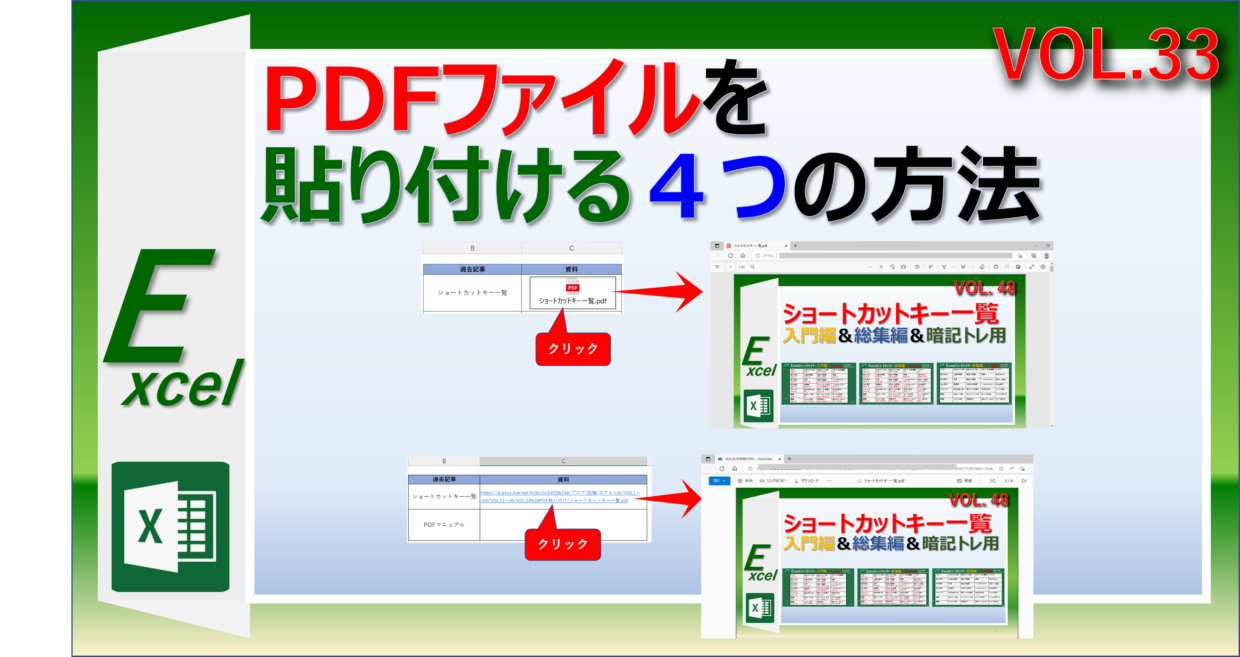
エクセルシート上にPDFファイルをスマートに配置する最も標準的な方法が、「オブジェクトの挿入」機能です。この手順を使えば、シート上にPDFを埋め込み、閲覧者がダブルクリックするだけで元のPDFを開ける状態を作れます。

手順はいたってシンプルです。上部リボンの「挿入」タブから「テキスト」グループ内にある「オブジェクト」を選択します。表示されたダイアログで「ファイルから」タブに切り替え、参照ボタンから貼り付けたいPDFファイルを選びます。

ここで重要なのが「アイコンで表示」のチェックボックスです。チェックを入れずに挿入すると、PDFの1ページ目がサムネイル画像のようにそのまま大きく展開されます。一方、チェックを入れると見慣れたAdobe Acrobatなどのアイコン形式に縮小され、セル内にすっきりと収まります。シート上の計算エリアを邪魔したくない場合は、アイコン表示を選ぶのが鉄則です。

マウス操作を減らして素早く配置したいときは、「Alt → N → J → J」の順にキーを押すショートカット操作を覚えておくと、一瞬でオブジェクト挿入のダイアログを呼び出せます。

「埋め込み」と「リンク貼り付け」の違いとは?ファイル共有で失敗しない選び方
エクセル に pdf 貼り 付け

オブジェクトを挿入する際、「リンク」のチェックボックスをオンにするかオフにするかで、ファイルの挙動が根本から変わります。この違いを理解していないと、「社外にメールで送ったらPDFが開けない」という致命的なトラブルに直結します。

それぞれの特徴とメリット・デメリットを整理すると次のようになります。

【埋め込み(リンクのチェックを外す)】
エクセルブックの内部にPDFファイルそのものを取り込む方式です。相手にエクセルファイルを単体で送付しても問題なくPDFを開くことができます。ただし、複数のPDFや大容量ファイルを埋め込むと、エクセルファイル全体の容量が急増し、動作が重くなる原因になります。

【リンク貼り付け(リンクのチェックを入れる)】
元のPDFファイルが保存されているPC内の場所(パス)だけを参照する方式です。エクセルの容量はほとんど増えず、元のPDFが更新された際にエクセル側も最新状態が反映される利点があります。ただし、保存場所を移動したり、社外の別環境に送ったりすると「リンク切れ」を起こして開けなくなります。

社内共有サーバー上で固定管理する資料なら「リンク」、メール添付やクラウドストレージで外部とやり取りする書類なら「埋め込み」を選択するのが確実です。

複数ページのPDFを一括配置!画像化やPower Queryを活用する裏ワザ
エクセル に pdf 貼り 付け

オブジェクト挿入によるPDF貼り付けの最大の弱点は、「通常は表紙(1ページ目)しかプレビュー表示されない」という点です。2ページ目以降もシート上で直接一覧表示させたい場合は、アプローチを変える必要があります。

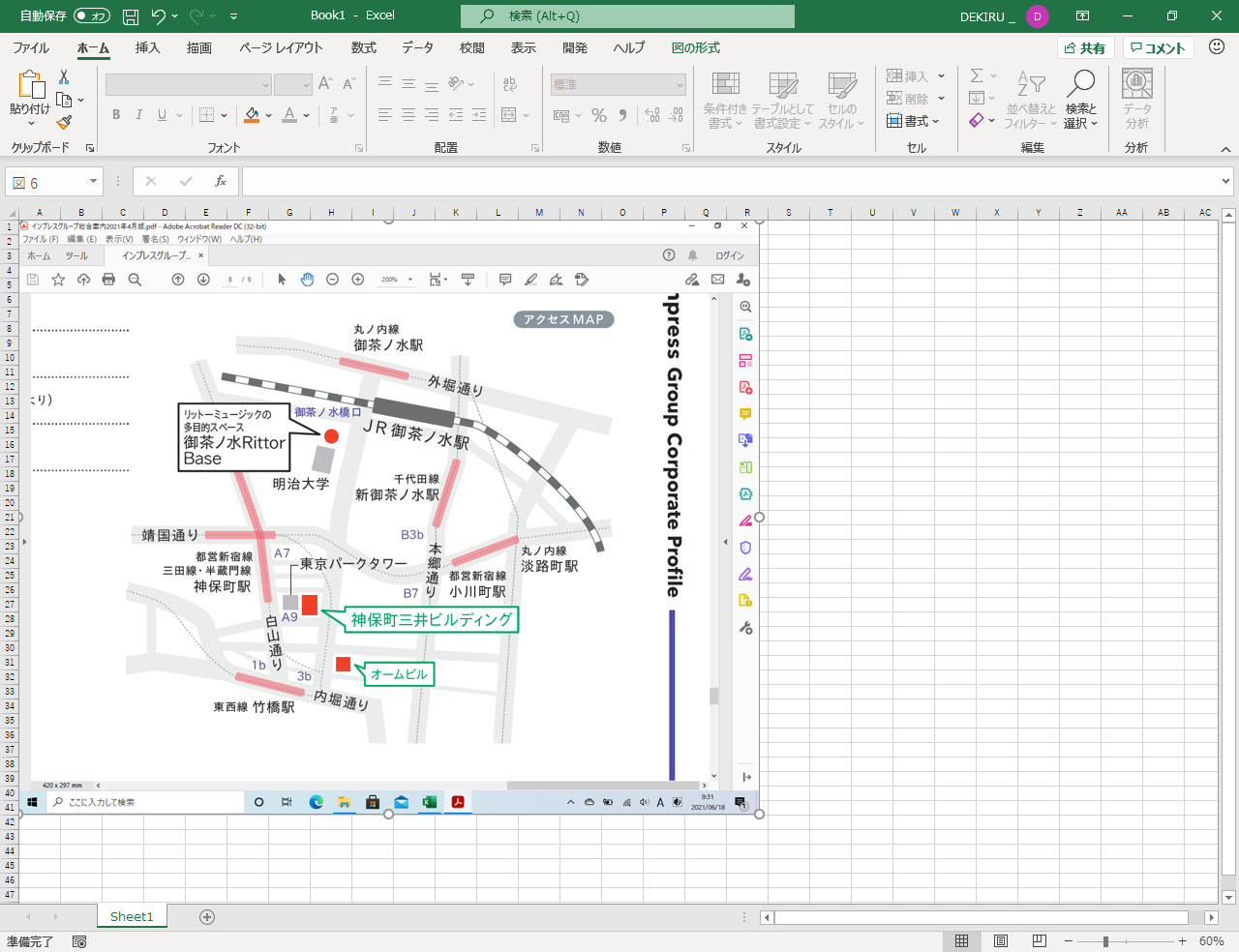
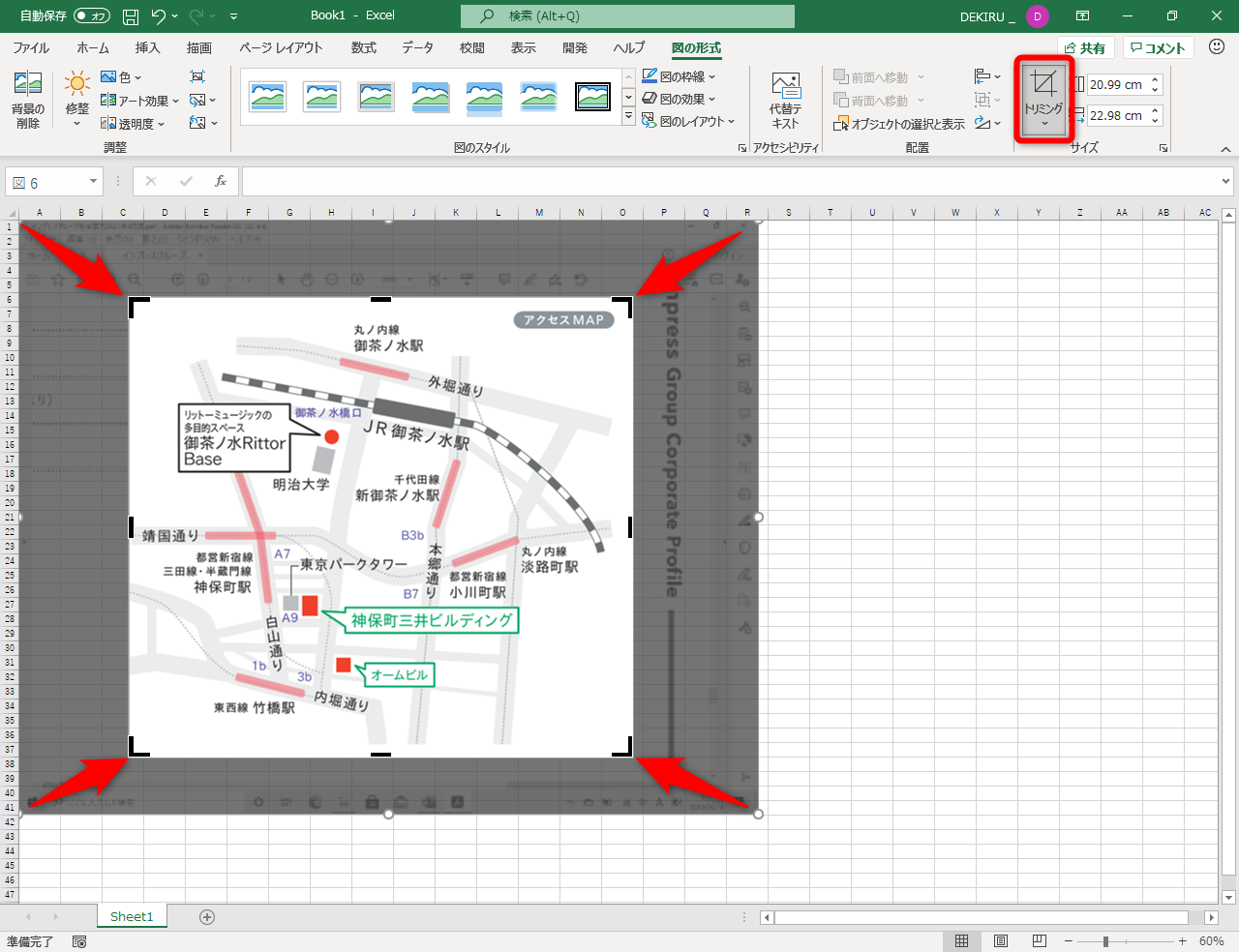
手軽な解決策として現場で重宝されているのが、PDFを画像(PNGやJPEG)に変換してから貼り付ける方法です。Windowsの標準機能「Snipping Tool」を使って必要なページをキャプチャするか、Adobeの無料オンラインツール等でPDFの各ページを一括画像化し、「挿入」→「画像」からシートに並べて配置します。

さらに、PDF内の数値や表をエクセルで再計算・集計したい場合は、画像ではなく「Power Query(パワークエリ)」を活用するのが現代のビジネス標準です。

「データ」タブの「データの取得」→「ファイルから」→「PDFから」を選択すると、PDF内のテーブル構造を自動認識し、エクセルのセルデータとして直接インポートできます。手作業での書き写しやコピー&ペーストによる誤入力をゼロに抑えられるため、請求書や月次レポートの集約作業を劇的に効率化できます。

相手が開けない・画質が粗い?PDF貼り付け時のトラブル原因と解消法

「貼り付けたPDFのアイコンをダブルクリックしてもエラーが出て開かない」「文字がぼやけて読めない」という現象には、明確な技術的要因が存在します。

ファイルが開けない主な要因は以下の通りです。

1. PDFビューアーの関連付け設定
Windows側でPDFを開く既定のアプリが適切に設定されていない場合や、Adobe Acrobat Readerのバージョンが極端に古い場合に起動エラーが発生します。既定のアプリを最新のリーダーに再設定することで復旧します。

2. セキュリティソフトや保護ビューの干渉
メールで受信したエクセルファイルは「保護ビュー」で開かれるため、マクロや埋め込みオブジェクトの実行が一時的に制限されます。「編集を有効にする」をクリックして保護を解除すれば正常に開けます。

また、貼り付けたPDFのプレビューや画像が粗くなってしまう場合は、エクセルの自動圧縮機能が原因です。「ファイル」→「オプション」→「詳細設定」を開き、「イメージのサイズと画質」の項目にある「ファイル内のイメージを圧縮しない」にチェックを入れることで、高解像度を保持したまま綺麗な表示を維持できます。

印刷時のズレやはみ出しを防ぐ!プロが教えるレイアウト調整術

PDFを貼り付けた帳票を印刷した際、「画面上では綺麗に見えていたのに、印刷プレビューを見ると位置がズレて文字に被っている」というトラブルは非常に多く見られます。

この印刷ズレを根本から防止するには、オブジェクトのプロパティ設定を固定します。

配置したPDFオブジェクトまたは画像を右クリックし、オブジェクトの書式設定(画像の書式設定)を開きます。「サイズとプロパティ」アイコンを選択し、「プロパティ」の項目を展開してください。

初期状態では「セルに合わせて移動やサイズ変更をする」になっていることが多いため、これを「セルに合わせて移動するがサイズ変更はしない」または「セルに合わせて移動やサイズ変更をしない」に変更します。この設定を施すことで、行の高さや列の幅を変更したり、異なるプリンタードライバーで出力したりした際にも、PDFの縦横比が歪んだり位置が大きく跳ね上がったりする現象を完全に防ぐことができます。

【2026年最新】PDFからエクセルへの無料変換おすすめツールとデータ連携手順

単にPDFをシート上に貼るだけでなく、「PDFの表をそのままエクセル形式に復元したい」という需要も急増しています。2026年現在、安全かつ高精度に変換できる代表的な選択肢は以下の3つです。

・Adobe Acrobat オンラインツール(無料版)
業界標準であるAdobeが提供するWebブラウザ用変換機能です。レイアウトの再現性が極めて高く、複雑な罫線が入った表でも崩れずにエクセル(.xlsx)へ変換できます。

・Microsoft 365の「データ取得」機能
外部サイトにファイルをアップロードできない機密文書を取り扱う場合、エクセル標準の「データ」→「データの取得」→「PDFから」を利用するのが最も安全です。社内ネットワーク内で完結するためセキュリティ面でも安心できます。

・Microsoft Wordを経由した変換テクニック
PDFファイルをWordで直接開き、Wordが自動変換した表データをエクセルへコピー&ペーストする手法です。特別な外部ツールを追加することなく、Officeソフトだけで素早くテキストや表を抽出できます。

【エクセルへのPDF貼り付け】に関するよくある質問(FAQ)

Q1:エクセルにPDFを貼り付けると1ページ目しか表示されません。全ページを見せる方法はありますか?
A1:オブジェクト挿入機能の仕様上、プレビュー表示できるのは先頭の1ページ目のみです。全ページを視認させたい場合は、PDFをページごとに画像(PNG形式など)へ変換して並べて貼り付けるか、「アイコンで表示」にしてダブルクリックで全ページ閲覧させる運用が推奨されます。

Q2:貼り付けたPDFアイコンをダブルクリックしても「サーバー アプリケーションを開けません」と出て開けません。
A2:PC内にPDFを閲覧するための専用リーダー(Adobe Acrobat Reader等)がインストールされていないか、関連付けが外れている可能性があります。最新のAdobe Acrobat Readerをインストールし、Windowsの「既定のアプリ」でPDFの標準アプリとして指定し直してください。

Q3:Mac版のExcelでもWindowsと同じようにPDFを埋め込めますか?
A3:Mac版Excelでも「挿入」メニューからPDFを画像やオブジェクトとして配置することは可能ですが、Windows環境のOLE機能とは一部挙動が異なります。Macで作成した埋め込みPDFをWindowsユーザーが開く際にレイアウト崩れが起きるケースがあるため、OSをまたぐ共有ではPDF自体のリンク共有やクラウド保存先URLの記載が確実です。

Q4:PDFをたくさん貼り付けたらエクセルのファイルサイズが重くなりすぎました。軽くする方法は?
A4:埋め込み方式を「リンク貼り付け」に変更するか、事前にPDF編集ソフトやオンラインの軽量化ツールでPDF自体の容量を圧縮してから貼り付けてください。表データのみが必要な場合はPower Queryでデータだけをインポートするとファイル容量を最小限に抑えられます。

まとめ:用途に応じた最適なPDF貼り付けで業務効率を最大化しよう

エクセルへのPDF貼り付けは、資料の目的によって最適なアプローチが明確に分かれます。補足資料として添付するなら「アイコン表示のオブジェクト挿入」、印刷して全体を見せたいなら「画像変換とプロパティ固定」、数値データを活用したいなら「Power Query」を選ぶのが最も合理的です。

各手法の特性と注意点を正しく把握し、受け手にとっても扱いやすいスマートなエクセル文書作成を進めていきましょう。 (出典: エクセル に pdf 貼り 付け(Yahoo!ニュース)